Two businesses can plan similar-sized LED displays and still receive very different quotations. One may need sharper visuals for close viewing, while another requires a larger screen, a custom mounting structure or additional installation work. If you’re comparing an indoor LED video wall for an office, showroom, or conference room, understanding these cost differences before requesting a quote can help you make a more informed decision.
The final budget depends on the display specifications, installation site, and equipment needed to operate the screen. Knowing which features are essential for your application also helps you avoid paying for specifications you may not need.
What Actually Drives the Cost of an Indoor LED Video Wall?
There isn’t one fixed price for every project. The overall cost depends on several connected factors, and changing even one specification can affect the final quotation.
1. Screen Size and Dimensions
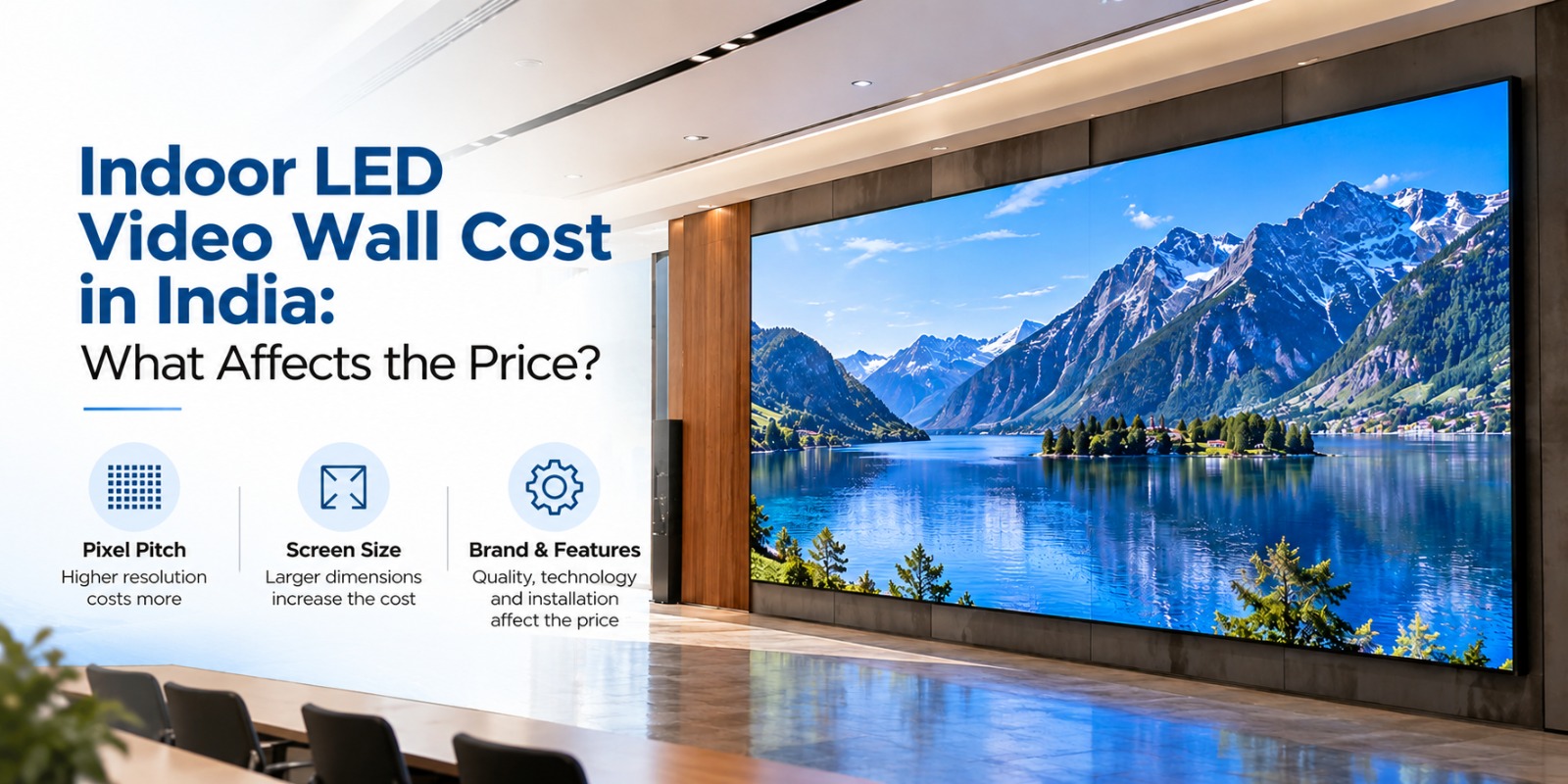
Screen size is usually one of the first things buyers consider. A larger display requires more LED modules and supporting components, which generally increases the hardware cost.
However, bigger isn’t always better. A compact display may work perfectly for a reception area, whereas a hotel ballroom or retail showroom may need a larger screen to reach its audience effectively.
Before finalising dimensions, consider:
- Available wall space
- Distance between the screen and viewers
- Type of content being displayed
- Number of people viewing the screen
- Available installation space and structural support
Measuring the location before selecting the display can prevent unnecessary expenditure and installation changes.
2. Pixel Pitch and Image Quality
Pixel pitch describes the distance between neighbouring pixels. It affects how sharp images and text appear, particularly when viewers are standing close to the screen.
A smaller pixel pitch generally offers greater image detail at close viewing distances, but it can also increase the purchase price. For a meeting room where people read presentations, finer detail may be important. A display viewed from farther away may not require the same specification.
Ask the supplier to recommend pixel pitch based on the actual viewing distance, content type, and screen dimensions instead of choosing a specification simply because it sounds more advanced.
3. Brightness and Viewing Conditions
Lighting inside the venue can influence the display specification. A conference room with controlled lighting has different requirements from a showroom with large glass windows and strong daylight.
When comparing quotations, check brightness levels, color reproduction, viewing angles, and brightness adjustment options.
Selecting excessive brightness for a dimly lit room may not provide meaningful benefits. The aim should be clear, comfortable viewing under the conditions in which the screen will actually operate.
4. LED Technology and Cabinet Design
Different LED technologies, module designs, and cabinet configurations can affect pricing. Some projects prioritize fine image detail, while others require flexible installation or convenient access for servicing.
An office display may need to fit a carefully designed interior, whereas a large commercial installation may require a particular cabinet arrangement or custom dimensions.
Ask whether the quotation specifies the LED configuration, cabinet construction, module replacement process and service access. Comparing these details makes it easier to understand why two apparently similar products may have different prices.
5. Installation and Mounting Requirements
The screen itself is only part of the project. Installation costs depend on the condition of the site and the work required to mount and operate the equipment.
For example, installing a display on a suitable existing wall may involve less preparation than a project requiring structural reinforcement or a custom support frame.
Additional expenses may include:
- Mounting brackets and support structures
- Wall preparation
- Electrical connections and cabling
- Transportation and installation labour
- Equipment access and handling
- Testing and commissioning
A site inspection before purchasing can help identify these requirements early and reduce the risk of unexpected charges.
6. Control Systems and Connectivity
Think about how the display will be used every day. A corporate team may need to present slides and connect laptops, while a retail business may want to schedule promotional videos and update advertising content.
The required controller, media player, video processor, and software depend on the content workflow.
Before ordering, confirm which components are included, what input connections are supported and whether the system works with your existing equipment. A quotation that excludes essential accessories may initially look cheaper but cost more once everything is added.
7. Electricity and Long-Term Maintenance
The purchase price doesn’t tell you the full cost of ownership. Electricity consumption depends on display size, brightness settings, content, operating hours and system configuration.
Maintenance also deserves attention. Ask about warranty coverage, replacement LED modules, spare parts, technical support, and the accessibility of components that may need servicing.
A system with clear maintenance arrangements can be easier to manage over time. Rather than comparing only the initial investment, consider the expenses you may encounter throughout the display’s working life.
How to Compare Video Wall Solutions Before Buying
When comparing Video Wall Solutions, request an itemized quotation from each supplier. The proposal should clearly identify the hardware, installation work, and supporting equipment included in the price.
Use this checklist when reviewing offers:
- Screen dimensions and pixel pitch
- Brightness and resolution
- LED modules and cabinet specifications
- Mounting structure and installation charges
- Controller and content management equipment
- Electrical work and commissioning
- Warranty and technical support
- Applicable taxes and additional charges
A clear quotation makes it easier to compare equivalent specifications instead of choosing a supplier based only on the lowest figure.
For Indian businesses, delivery timelines, site readiness, and service availability should also be confirmed before placing an order.
Common Mistakes That Can Increase Your Budget
Several purchasing mistakes can lead to unnecessary spending.
Choosing the cheapest quotation: Different suppliers may offer different specifications, accessories, and warranty conditions. Compare what is included before deciding.
Overlooking viewing distance: Paying for finer pixel pitch than your application requires can increase the budget without providing a meaningful improvement.
Ignoring installation work: Electrical changes, mounting structures, and wall preparation may be charged separately.
Forgetting future requirements: Consider whether you may need additional content sources, new connections, or different display uses later.
Skipping after-sales checks: Confirm spare parts availability, warranty terms and technical support before making a commitment.
How ADRTech India Can Help With Your Display Requirements
ADRTech India provides display-related solutions for commercial and business applications. If you’re planning an indoor LED video wall, prepare your preferred screen dimensions, installation location, viewing distance, and intended use before requesting a quotation.
Sharing these details helps the supplier understand your project and recommend suitable specifications. Ask for a clear breakdown of installation charges, accessories, warranty, and ongoing support so you can compare the complete proposal and make an informed purchasing decision.
Frequently Asked Questions
How much does an indoor LED display cost in India?
The price varies according to screen size, pixel pitch, LED technology, installation complexity, and supporting equipment. Request a project-specific quotation for an accurate estimate.
Which pixel pitch should I choose?
The right pixel pitch depends on viewing distance, screen dimensions, and the level of image detail required. For an indoor LED video wall, close-viewing applications may benefit from a finer pixel pitch to deliver sharper text, graphics, and visuals.
Is installation included in the quoted price?
Not necessarily. Mounting structures, electrical work, transportation, and commissioning may be quoted separately. Always confirm the complete scope of work.
Does screen size affect electricity consumption?
Generally, larger displays can require more power, although actual consumption also depends on brightness, content, and operating hours.
What should I check before choosing a supplier?
Review technical specifications, installation inclusions, warranty, spare parts availability, technical support, and any additional charges.
Can I upgrade the display in the future?
Future upgrades depend on the display’s modular design, controller compatibility, available space and the nature of the proposed changes. Discuss expansion plans before purchasing.
Conclusion
A sensible display budget starts with understanding your venue’s requirements. Screen size, pixel pitch, brightness, installation, connectivity and maintenance all influence the final cost of an indoor LED video wall.
Instead of comparing quotations on price alone, evaluate the complete specifications, installation charges and after-sales support. This will help you choose a display that suits your space, operational needs and budget without paying for unnecessary features.